
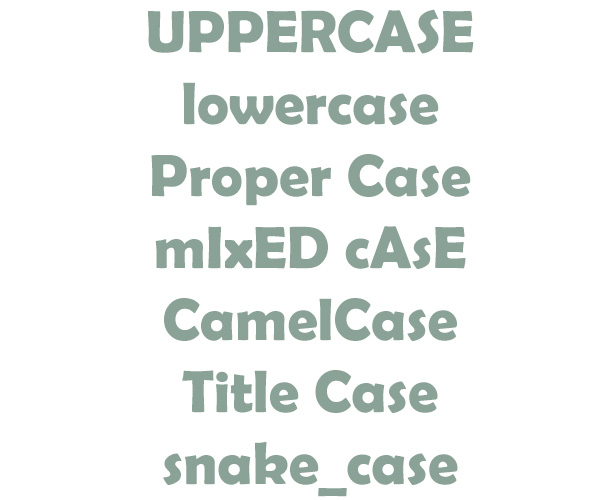
Moving from Windows to Linux brought with it a whole heap of benefits as far as this site’s performance and stability is concerned. It also brought with it the need for me to be more disciplined in my naming conventions, both in coding and in file-naming. When you migrate from one server to another you expect some tweaking – database connection strings, absolute paths, etc. Something I knew, but had completely overlooked, was Linux’s sensitivity to case compared to Windows. I’d already altered SQL queries that would happily run on Windows, despite referring to table names that were in lowercase when the SQL stated upper. Debugging various scripts highlighted just how often I’d referred to variables in different cases, and these too were fixed. The last task was to deal with the files. On a Windows server, you can call a file whatever.jpg, Whatever.jpg, WhAtEvEr.JpG, etc.. as far as Windows is concerned, it’s all the same file. On Linux, you can have all three of those example ‘whatever’ files in the same directory, because as far as Linux is concerned, they all have different filenames. I tend to favour ‘camel case’ when naming image files i.e compressing them to one word, and capitalising the first letter of each word. However, many of the corresponding database entries referred to the same files in lower-case, or camel-case, or other variants. This led to a lot of ‘broken’ links, even though the files were there, albeit in a different case. I refused to do this job manually – it’s ultra-tedious and time-consuming. Dealing with the naming on the database is easy… a quick SQL statement (SET xxxx = BINARY LOWER(xxxx)) can sweep through an entire column in a second and convert it all to lower-case. For the filenames, I found a nifty freeware solution – wildrename. It can be configured to do all sorts of batch renaming jobs, and a simple lower-case conversion was easy and instant. There’s still one minor issue to fix as far as square and portrait format photos are concerned.