
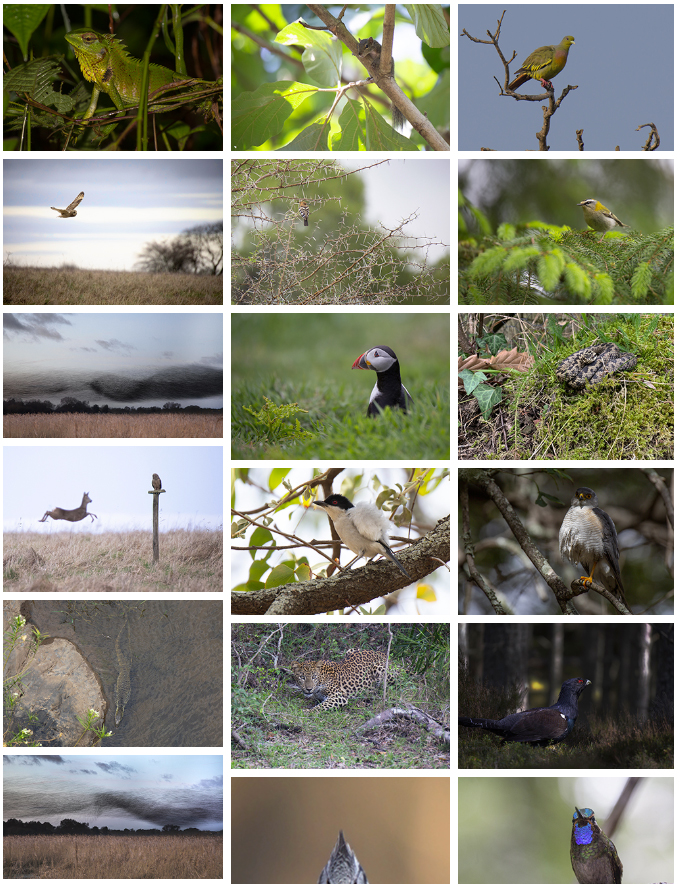
Previously, when viewing any of the galleries, all the images would be displayed with an opacity setting of about 90%. When the visitor hovered their mouse over them, the opacity would change to 100% to highlight the image they were potentially about to click on. This was by design. In retrospect I think this wasn’t such a good idea, as it makes all the images look a little pale or ‘washed out’ by default. I’ve therefore removed this effect altogether, so that all gallery images now display with 100% opacity all the time.